
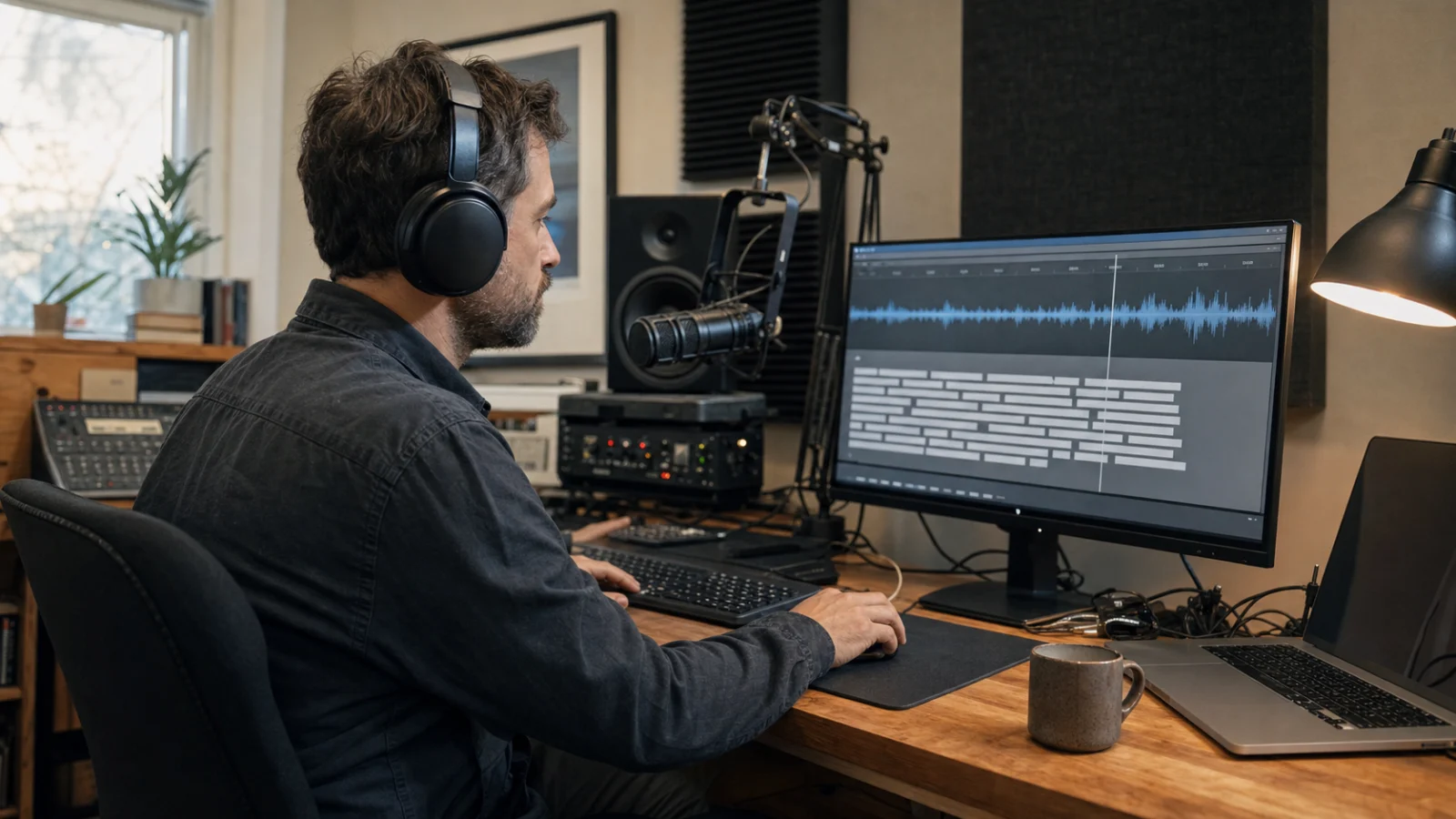
GPT Transcribe is a high-accuracy speech-to-text model, but a transcript is only one layer of a finished transcription workflow. The model can turn recorded speech into readable text, accept contextual hints, detect languages, and stream text while it processes a completed file. It does not, by itself, tell a video player when to display each sentence or an editor who said it.
Understanding GPT Transcribe limitations matters. A developer who expects one OpenAI v1 audio transcriptions request to return a caption package may discover too late that plain text, word timing, speaker attribution, and subtitle formatting are different data products. This guide explains what gpt-transcribe actually returns, which features require another model or processing stage, and how to design a pipeline without inventing metadata that the audio model never supplied.
Key takeaways
- Use
gpt-transcribeas the recommended starting point for general transcription of completed recordings in their original language. - The model supports a free-form
prompt, literalkeywords, multiple expectedlanguages, detected-language output, and streamed file-transcription events. stream=trueon/v1/audio/transcriptionsstreams the result of an uploaded recording; it is not the same as sending an indefinitely arriving microphone feed.- Use
whisper-1when you need word or segment timestamps, native SRT/VTT output, or audio-to-English translation. - Use
gpt-4o-transcribe-diarizewhen the deliverable must identify who spoke when. - Keep raw recognition, timing, speaker attribution, editorial cleanup, and export as separate, auditable layers.
A transcript is not yet a caption file
Speech recognition answers a narrow but difficult question: which words are supported by this audio? A useful media deliverable often has to answer several additional questions:
| Layer | Question it answers | Typical output |
|---|---|---|
| Recognition | What was said? | Transcript text |
| Language detection | Which language or languages were detected? | Language codes |
| Alignment | When was each word or segment spoken? | Word or segment start/end times |
| Diarization | Who spoke when? | Speaker-attributed time segments |
| Caption segmentation | What should appear in each readable cue? | Short timed subtitle blocks |
| Editorial processing | How should the transcript be presented? | Corrected names, punctuation, notes, redactions |
| Packaging | Where will the result be consumed? | JSON, TXT, DOCX, SRT, VTT, or another format |
gpt-transcribe primarily covers the recognition and language-detection rows. It can produce the text incrementally, but incremental text is not the same as aligned text. A partial sentence arriving before the final response does not necessarily contain a durable source time range.
This distinction is especially important for subtitles. The WebVTT specification defines cues as text associated with explicit start and end offsets. If the transcription result has no audio timing, changing its file extension to .vtt does not create a valid synchronized caption track.
What GPT Transcribe is
OpenAI describes gpt-transcribe as a speech-to-text model for completed audio files, streamed file transcripts, and committed turns in Realtime sessions over WebSocket. As of July 31, 2026, the model page lists a price of $0.0045 per minute of transcription audio.
For a bounded recording, the normal route is:
POST https://api.openai.com/v1/audio/transcriptionsThe request is multipart form data containing the audio file and model name:
curl https://api.openai.com/v1/audio/transcriptions \
  -H "Authorization: Bearer $OPENAI_API_KEY" \
  -H "Content-Type: multipart/form-data" \
  -F file="@interview.mp3" \
  -F model="gpt-transcribe"
The current OpenAI file-transcription guide recommends this model for recorded speech in its original language. It also says to select a specialized model when the job requires speaker labels, word timestamps, subtitle formats, or English translation.
That recommendation is more useful than treating the Audio API as one interchangeable feature set. The endpoint exposes several model families, and the API reference lists fields used across those families. A parameter appearing in the general endpoint schema does not mean that every transcription model implements it.
Speech to text also should not be confused with text to speech. One recognizes words from audio; the other synthesizes audio from written input. They can form a larger voice workflow, but their evidence, quality checks, and failure modes are different.
What GPT Transcribe can do
Transcribe a completed audio file
The clearest use case is a file that already exists: an interview, memo, lecture, support call, podcast recording, or extracted video soundtrack. Upload the recording to /v1/audio/transcriptions, wait for the response, and store the returned transcript.
OpenAI currently documents a 25 MB file limit for the Transcriptions API. Larger inputs need a more efficient supported codec or splitting into smaller files. Splits should follow pauses or other natural boundaries rather than cutting through speech. For a detailed treatment of recording quality, chunk boundaries, VAD, and review signals, see our guide to improving GPT transcription accuracy.
Use context without turning transcription into rewriting
gpt-transcribe provides three distinct controls:
promptsupplies unstructured context about the recording;keywordssupplies literal terms that may be spoken;languagessupplies multiple expected input languages.
A support-call request could describe the account problem in prompt, list a product name and ticket ID in keywords, and provide ["en", "fr"] when the call may switch between English and French.
These inputs should support recognition, not prescribe an answer. The official guide explicitly describes keywords as hints rather than required output. A keyword list should therefore be narrow enough that you can test whether it improves real mentions without causing unspoken terms to appear.
Report detected languages
The model can return language codes alongside its text:
{
  "text": "Bonjour, pouvez-vous m'entendre ?",
  "languages": [{ "code": "fr" }]
}
An empty languages array means the model could not make a reliable prediction; it does not prove that the file contains no speech. Short clips, names, background speech, and code-switching can all make language identity less certain.
With gpt-transcribe, the plural languages request field replaces the older singular language field. OpenAI warns not to send both. That small difference is easy to miss when migrating code built for an earlier model.
Stream text while processing an uploaded file
Set stream=true to receive transcript.text.delta events followed by a final transcript.text.done event. This can improve perceived responsiveness for a long completed recording because a user can begin reading before the entire transcript is ready.
import fs from 'fs';
import OpenAI from 'openai';

const openai = new OpenAI();

const stream = await openai.audio.transcriptions.create({
  file: fs.createReadStream('interview.wav'),
  model: 'gpt-transcribe',
  stream: true,
});

for await (const event of stream) {
  console.log(event);
}
The important phrase is uploaded file. This request still starts with a bounded recording. For audio that continues to arrive from a microphone, call, or media stream, OpenAI directs developers to its Realtime transcription path.
What comes back—and what does not
For an ordinary gpt-transcribe file request, the durable content is transcript text plus any reliably detected languages. Store those fields as the recognition result, together with the source-file hash, model ID, request settings, processing date, and any prompt or hints.
Do not silently add metadata that looks authoritative but was estimated after the fact. A sentence index is not a timestamp. A paragraph break is not a speaker change. The first voice heard after a pause is not necessarily a new person.
The following capability matrix reflects the current model-specific guidance rather than assuming every Audio API response format works with every model:
| Requirement | Recommended OpenAI path | Why |
|---|---|---|
| General recorded speech in source language | gpt-transcribe | Recommended starting point; context and language hints |
| Partial text while a file is processed | gpt-transcribe with stream=true | Emits transcript delta and done events |
| Word or segment timestamps | whisper-1 | Supports timestamp_granularities[] |
| Native SRT or VTT subtitle output | whisper-1 | Subtitle response formats need timed cues |
| Speaker labels and speaker time ranges | gpt-4o-transcribe-diarize | Returns speaker-attributed segments |
| Translation from audio into English | whisper-1 via /v1/audio/translations | Translation endpoint currently supports English output |
| Live microphone or call transcription | Realtime transcription | Designed for audio that is still arriving |
| Token logprobs for review prioritization | GPT-4o transcription models that support include[]=logprobs | Not listed for gpt-transcribe |
Model capabilities and prices change. Recheck the Audio Transcriptions API reference before freezing an integration, and record the verification date in your technical documentation.
Limitation 1: no word or segment timestamps
The current OpenAI guide directs developers to whisper-1 for word or segment timestamps. That model can return verbose_json populated through:
timestamp_granularities: ['word', 'segment'];Timing is not decorative metadata. It connects each text span back to evidence in the recording. Editors use it to seek to a disputed name, align a translation, cut a clip, build captions, and show a reviewer exactly what the model heard.
If you choose gpt-transcribe for its recognition quality but also need timing, you need an additional alignment strategy. Common designs include:
- run a timestamp-capable speech model on the same source and reconcile its timed words with the canonical transcript;
- use a dedicated forced-alignment system with the transcript and audio;
- route the entire job through a tool that already provides time-aligned output.
Each design must handle disagreements. Do not attach the timestamp for one model's word to a different word from another model merely because their positions in two arrays are similar. Alignment should tolerate punctuation changes, contractions, repeated phrases, and recognition differences.
Limitation 2: no native SRT or VTT subtitle package
Subtitles require more than times. A captioning stage must decide where cues start and end, how much text appears at once, how line breaks behave, and whether overlapping speakers need separate treatment.
A robust caption pipeline generally follows this sequence:
-
obtain audio-backed word or segment timing;
-
break text at grammatical and acoustic boundaries;
-
enforce minimum and maximum cue durations;
-
limit line length and reading speed for the target platform;
-
preserve names, numbers, and meaningful non-speech labels;
-
preview the cues against the actual media;
-
export SRT, VTT, or the platform-specific format
.
The result should be tested in the destination player. A syntactically valid VTT file can still be difficult to read if cues flash too quickly, obscure important on-screen content, or split a name across two captions.
For someone who needs a finished export rather than an API project, an independent browser workspace such as GPT Transcribe Online can provide time-aligned transcripts, speaker separation, and SRT/VTT output. Its own site states that the service runs OpenAI's open-source Whisper with a diarization stage and is not affiliated with OpenAI. In other words, it addresses the workflow around transcription; it should not be mistaken for direct access to the gpt-transcribe model.
Limitation 3: no speaker labels
Recognition asks “what was said?” Speaker diarization asks “who spoke when?” A single clean paragraph cannot reliably answer the second question, even when punctuation makes the turns look obvious.
OpenAI's specialized gpt-4o-transcribe-diarize model returns diarized_json segments with speaker, start, and end fields. For inputs longer than 30 seconds, the guide requires chunking_strategy set to auto or a server-side VAD configuration. The API also accepts reference clips between 2 and 10 seconds for up to four known speakers.
That gives you speaker-attributed time ranges, but it does not remove the need for review:
- overlapping voices may be partially assigned or merged;
- a brief interjection can be attributed to the neighboring speaker;
- similar voices can switch identities across a long recording;
- a reference clip proves acoustic similarity, not the legal identity of a person;
- edits that move words between segments can break speaker provenance.
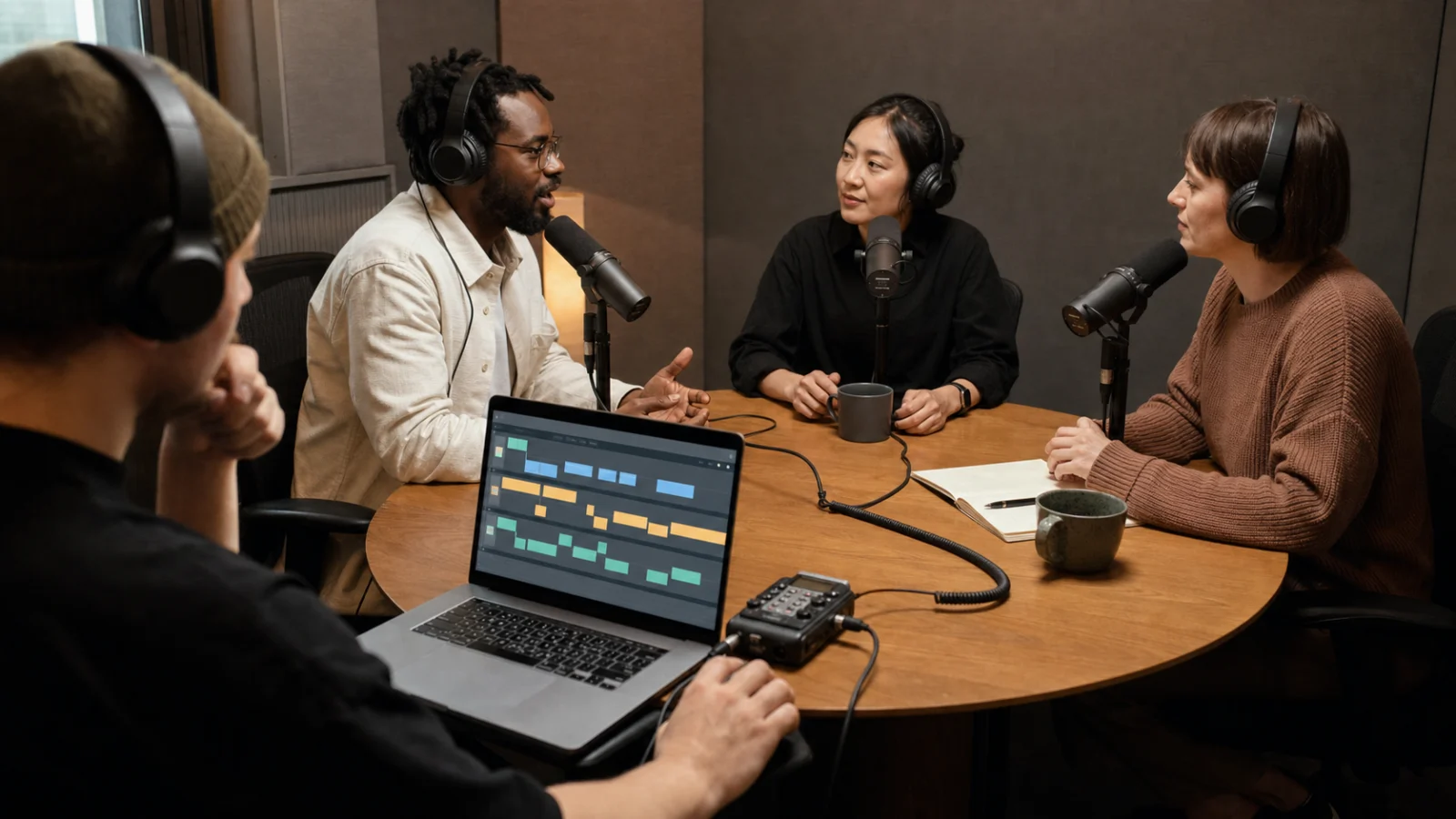
The scene above represents the data you actually need for multi-speaker work: isolated capture where possible, a source recording, distinct time lanes, and a human who can review both words and turn boundaries.
One architectural constraint is easy to overlook: OpenAI currently makes speaker labeling available through /v1/audio/transcriptions, not through Realtime transcription sessions. Also, the diarization model does not support the same prompting and logprob controls as the general transcription models. Choosing it solves a different problem rather than adding a universal “speaker mode” to gpt-transcribe.
Limitation 4: transcription is not translation
gpt-transcribe preserves speech in its original language. That is usually what a transcript should do: record the source before interpretation.
OpenAI's separate /v1/audio/translations endpoint uses whisper-1 to translate audio into English. If you need subtitles in several target languages, a safer production design is:
- preserve the source-language transcript;
- preserve source timing and speaker metadata;
- translate cue text in a separate versioned step;
- review terminology and meaning with the source audio available;
- keep source and target cues linked by stable IDs.
Do not overwrite the source transcript with a polished translation. They answer different questions, and later reviewers may need to determine whether an error came from recognition, translation, or caption editing.
Limitation 5: file streaming is not live transcription
The word “streaming” is overloaded.
- Streamed file transcription uploads a completed recording and returns partial transcript events while that file is processed.
- Realtime transcription accepts audio that is still arriving from a microphone, phone call, or media stream.
The user experience can look similar because text appears progressively in both cases, but the engineering constraints differ. A live system needs connection management, turn detection, interruption handling, partial-result revision, and latency budgets. A file system can know the complete input size before processing and can retry a bounded object.
If a product records an entire meeting and uploads it after the user presses Stop, file transcription is appropriate. If it must display words while people are still talking, use the Realtime transcription architecture rather than trying to keep a multipart file request open indefinitely.
A production pipeline that preserves evidence
The safest way to extend gpt-transcribe is to keep each transformation explicit:
source audio
  -> recognition result
  -> timing and speaker metadata
  -> editorial transcript
  -> caption cues and exports
  -> human-reviewed deliverable
1. Preserve the source
Store the original or a controlled mezzanine copy, its hash, duration, channel layout, and capture date. If the recording contains sensitive information, define access and retention before sending it to any service.
2. Store the canonical recognition result
Save the gpt-transcribe response without rewriting it in place. Attach the model name, all hints, and the exact source version. When streamed, assemble the final record from the done event rather than treating every delta as permanent.
3. Add time and speaker layers
Run the selected timestamp or diarization path against the same audio. Store its output separately. Align it to the canonical text using audio-backed boundaries, and retain unresolved conflicts for review.
4. Create an editorial view
Copy the machine result into a reviewable layer where an editor can correct names, mark inaudible spans, normalize punctuation, and add non-speech cues. Every material edit should still point to a source time range.
5. Build destination-specific exports
TXT, DOCX, searchable JSON, SRT, and VTT serve different consumers. Generate them from the reviewed structured record, not by independently editing each export. Otherwise a name corrected in the transcript may remain wrong in the captions.
6. Validate the deliverable, not only the model
Measure word error rate on representative audio, but also test:
- critical names, numbers, identifiers, and domain terms;
- speaker-attribution error on multi-person recordings;
- cue timing and reading speed for subtitles;
- missing or duplicated text at chunk boundaries;
- language and translation fidelity;
- the time required for a human to find and repair an error.
A lower WER does not guarantee a better subtitle file. One wrong number or one speaker swap can matter more than several harmless punctuation differences.
Three practical architecture choices
Notes and searchable archives
Use gpt-transcribe directly when the main output is readable text and users can consult the original recording. Add context hints, retain the source, and expose a correction interface if the transcript will be searched or quoted.
Video captions
Use a timestamp-capable path from the start. You can still evaluate gpt-transcribe as a canonical recognition layer, but plan for alignment, cue formation, player preview, and export. Do not promise SRT or VTT based on plain text alone.
Interviews, panels, and meetings
Capture separate channels when possible. When they are not available, use a diarization model, preserve its time segments, and review short interjections and overlaps. If the practical requirement is simply “upload a recording and download a speaker-labeled subtitle file,” it may be more economical to transcribe audio in a browser workspace than to build and operate the entire multi-stage pipeline.
That is a product decision, not a model benchmark. A no-code service can be the faster workflow while a direct API remains the better choice for custom retention, automation, large-scale processing, or integration with an existing data system.
A model-selection checklist
Before choosing a model, write down the actual deliverable:
- Do you need only readable text, or must every word map back to time?
- Will the transcript be quoted, searched, summarized, or published as captions?
- Are multiple people speaking?
- Must known speakers be named, or are anonymous labels enough?
- Is the audio complete at request time?
- Does the original language need to be preserved?
- Do you need translation into English or another target language?
- Which mistakes require mandatory human review?
- What source, request, and edit records must be retained?
If the first answer is “only readable text,” gpt-transcribe is the natural starting point. If several later answers are “yes,” design the surrounding data pipeline before selecting a single model name.
FAQ
What is GPT Transcribe?
GPT Transcribe is OpenAI's high-accuracy speech-to-text model for recorded files, streamed file transcripts, and committed turns in Realtime WebSocket sessions. It supports free-form context, keyword hints, multiple expected languages, and detected-language output.
Does GPT Transcribe use OpenAI v1 audio transcriptions?
Yes. For completed recordings, upload the file to /v1/audio/transcriptions with model=gpt-transcribe. The endpoint returns the transcript in the input language and can stream partial text events while processing the file.
Can GPT Transcribe generate SRT or VTT subtitles?
The current OpenAI guide recommends whisper-1 when you need subtitle formats or word and segment timestamps. A usable SRT or VTT file requires time-aligned cues, so plain transcript text is not enough.
Can GPT Transcribe identify speakers?
Not by itself. Use gpt-4o-transcribe-diarize when you need speaker-attributed segments. Review the output against the audio, especially where people overlap or give short interjections.
Is stream=true the same as realtime speech to text?
No. On /v1/audio/transcriptions, it streams results while processing a completed upload. For audio that is still arriving from a microphone, call, or live media feed, use Realtime transcription.
Can GPT Transcribe translate audio?
gpt-transcribe is designed to preserve the recording's original language. OpenAI currently directs audio-to-English translation requests to /v1/audio/translations with whisper-1.
Can I transcribe audio without building an API integration?
Yes. A browser transcription service can handle uploading, timing, speaker separation, editing, and export. Verify which underlying model it uses, how it handles data, and whether its output formats match your workflow rather than assuming every service named “GPT Transcribe” calls OpenAI's model of the same name.
Design around the deliverable
gpt-transcribe is valuable because it focuses on the core recognition task and provides strong context controls for real recorded speech. Its limits are not footnotes; they define where the next engineering stage begins.
Start by naming the deliverable. If it is a faithful text transcript, the model may cover most of the job. If it is an accessible video, a speaker-attributed interview, or a multilingual publishing package, plan for timing, diarization, translation, editorial review, and export as first-class components. A reliable workflow never pretends that metadata exists merely because the text looks complete.