
Natural Text to Speech in Your Browser
Turn a script into text to speech with Voice Art, audition the result, revise any line that sounds wrong, and export audio for videos, lessons, ads, or product prompts.
Browser based · Directed · Multilingual · Export ready
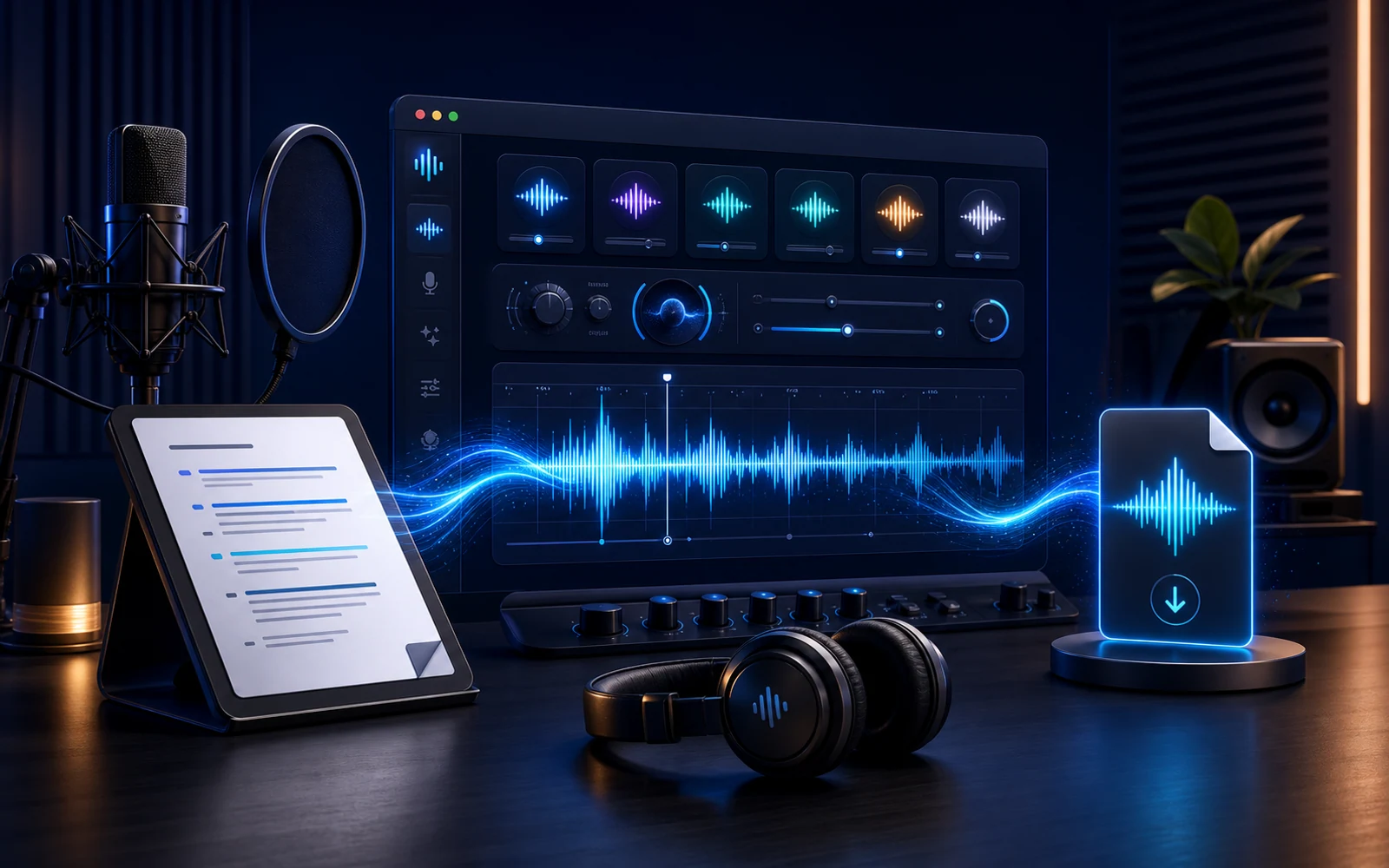
- Public voice styles available to audition
- 300+
- Language groups in the current catalog
- 6
- Sample characters for fast voice checks
- 120
- Export format for every approved take
- MP3
Text to Speech, Explained
Text to speech converts written words into spoken audio. Voice Art adds the decisions around that conversion: which voice should read the line, whether the pacing suits the format, and which version is ready to download.
Start with the text your audience will actually hear. A short preview can reveal a difficult name, an awkward pause, or a sentence that is too long before you render the rest of the script.
Because the editor runs in the browser, product prompts, lessons, narration, and accessibility audio remain editable until the take is approved. A wording change calls for a new render, not a rebuilt recording setup.
Public voices provide a quick starting point, while private clones and voice design support projects that need a recurring speaker or a sound created for a specific brief.
Need a recurring private speaker? Continue with voice cloning after confirming permission for the source voice.
Watch the Text to Speech Workflow
Follow one script from the editor through voice selection and review to a downloaded audio file.
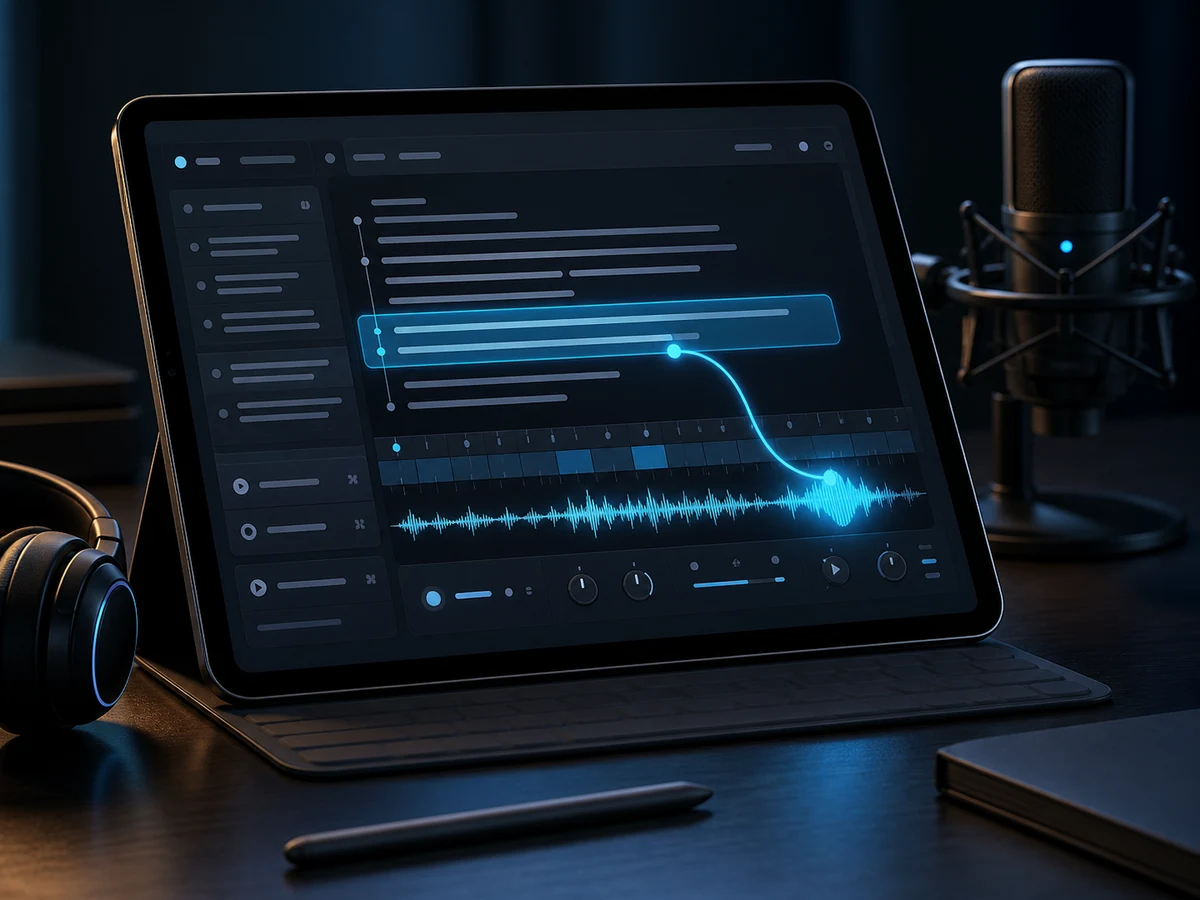
Write the line
Start from the words your audience will hear, anything from a one-line product prompt to a full training paragraph.
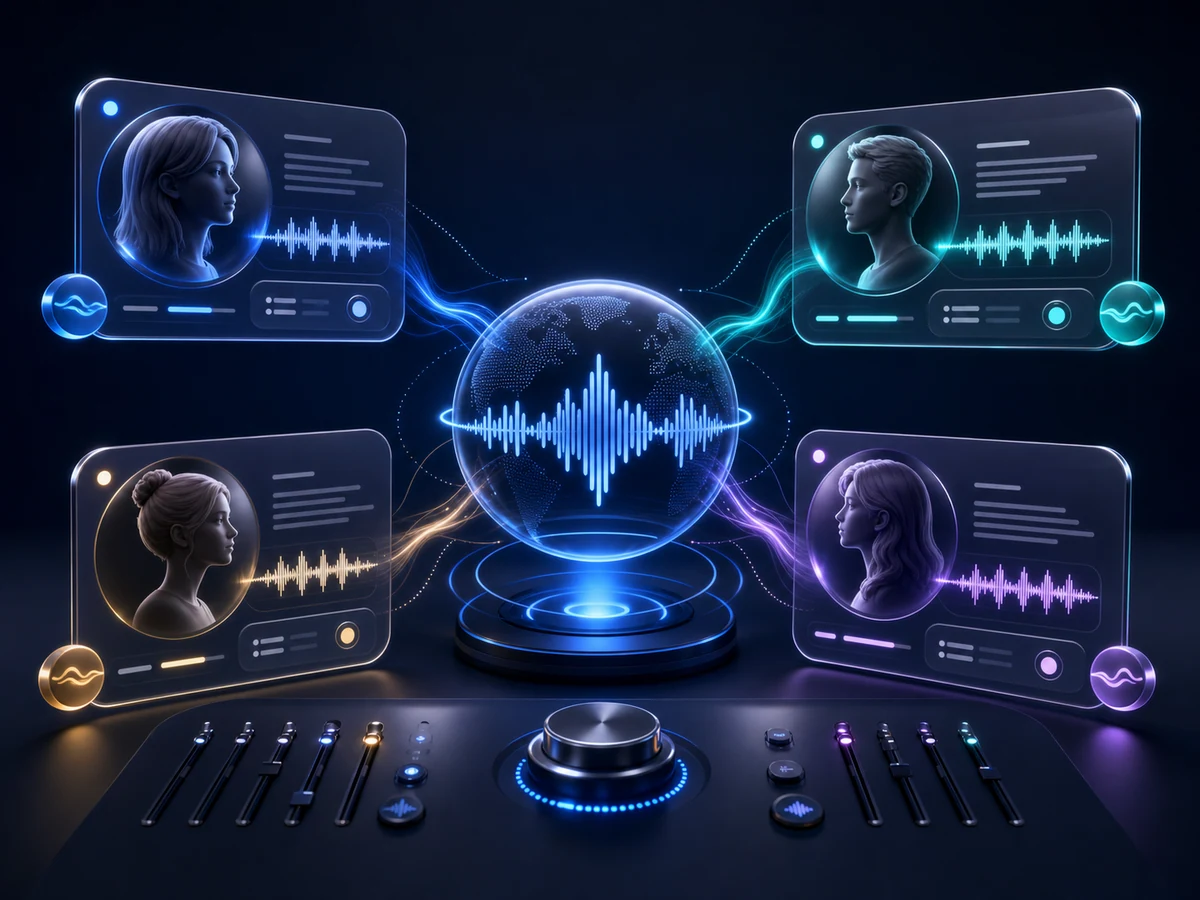
Direct the delivery
Choose the speaker, language, and delivery that fit the job before you render the take.
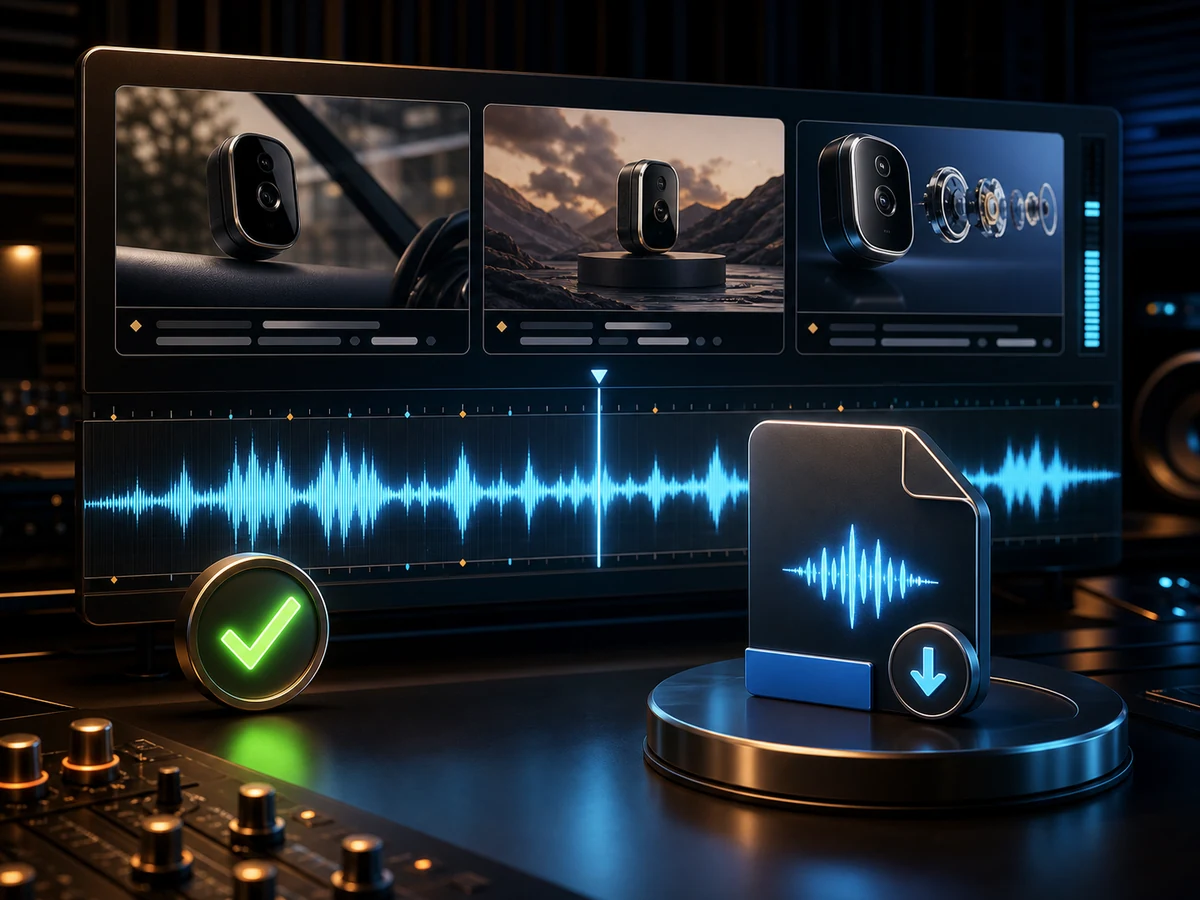
Approve the audio
Review the take, revise the wording if needed, then export finished audio for your project.
Why Creators Reach for Voice Art Text to Speech
The workspace keeps the written source close to every voice test, so a correction can become a new take instead of a new recording session.
Launch text to speechDelivery you steer
Use voice choice and copy tweaks to shape pacing, stress, warmth, and emphasis well before the final take leaves the production space.
Built for multilingual scripts
Create narration for localized pages, lessons, and product demos through the same workflow in every supported language.
Practical speaker shortlists
Compare voices by style, use case, and language so each copy kicks off with a clear direction.
Assets ready to export
Listen inside the workspace, download the selected output, and use history to locate an earlier generation after the session ends.
Low-cost preview passes
Use short scripts to check pronunciation, tone, and pacing before generating a longer passage with the same voice.
Designed voices for gaps
Create a synthetic voice from a written brief, or use a consented private model when a recurring speaker matters to the project.
How to Turn Text into Speech
The workflow separates script preparation, speaker choice, listening, and download so each decision can be checked on its own.
- 01
Write the script
Enter the final words, including names and punctuation that may affect how the line is read aloud.
- 02
Pick a voice direction
Start from a sampled public profile, an account-only clone, or a synthetic speaker created from your description.
- 03
Render a directed take
Create the speech, then judge whether the timing, tone, and pronunciation match the copy.
- 04
Approve and download
Revise or rerender until it works, then save the finished audio for your project.
Where Text to Speech Cuts Recording Time
Voice Art lets teams turn recurring scripts into consistent audio without rebuilding a recording setup.
Short video narration
Match a voice to the edit, then regenerate hooks or corrected lines directly from the revised video script.
E-learning and training
When training material changes, edit the lesson text and generate a replacement segment in the chosen instructional voice.
Podcasts and intros
Prepare a recurring opener, sponsor message, or late pickup while the episode timeline is still being assembled.
Long-form spoken stories
Test the narrator on dialogue and exposition, then turn approved passages into chapter or article audio.
Read-aloud access tracks
Add a downloadable listening option to written guidance for readers who benefit from audio access.
Ads and marketing
Compare alternate hooks with the same selected speaker before choosing the read for a campaign cut.
IVR and voice agents
Listen to menu branches and assistant replies early enough to fix unclear wording before product integration.
Games and characters
Check scene timing, tutorial clarity, and character direction with draft speech during game development.
Text to Speech in Six Language Groups
Choose from English, Chinese, Japanese, and Korean voices for localized training content, product demos, creator videos, and support prompts.
English
Accents from the US and beyond.
Chinese
Mandarin tuned to every register.
Japanese
Natural pitch-accent reads.
Korean
Modern, clear Seoul standard.
Spanish
Spanish voices across regional accents.
Portuguese
Brazilian Portuguese voices for natural speech.
Text to Speech FAQ
Practical guidance for running browser-based text to speech production on Voice Art.
How does text become spoken audio?
Text to speech converts written content into spoken audio. Voice Art concentrates on the production loop around that conversion: set a voice direction, render a take, review the delivery, and export the audio.
Can I try text to speech before paying?
New accounts receive welcome credits for short text to speech tests. Paid plans and credit packs support longer scripts, private voice cloning, and custom voice design.
How do I turn a script into speech?
Open the text to speech production space, paste in your copy, set the voice direction, render a take, and once the delivery works, revise it or export it.
How natural can a generated read sound?
Voice Art voices are tuned for natural timing and expressive delivery, but test them with your own copy first, since pacing, punctuation, and word choice all shape the final take.
What language coverage is available?
Voice Art currently offers English, Chinese, Japanese, and Korean voice options. Filter the public library by language to hear the available speakers before you render.
Can finished speech be exported?
Yes. After a take is approved, export the audio file and keep the render in your history for whenever you edit next.
Can I publish TTS output commercially?
Generated audio can be used in your own projects under the Voice Art terms of service. For client or high-volume jobs, review the current plan details and only use voice clones you hold the rights to.
Can a cloned voice read my scripts?
Yes. First create a private model from a recording you own or have explicit permission to supply. The saved model then appears as a voice option for new text to speech generations.
Where does TTS fit inside the voice generator?
Text to speech is the step that turns a written copy into audio. The Voice Art voice generator is the larger production space wrapped around it, adding voice selection, private clones, custom voice design, history, and exports.
Do I need an install or an account?
No desktop install is required because Voice Art runs in the browser. You do need an account to generate speech, use welcome or paid credits, save private voices, and access generation history.
Render a Directed Text to Speech Take
Paste one line from your project, test it with a public voice, and export the approved speech from Voice Art.