
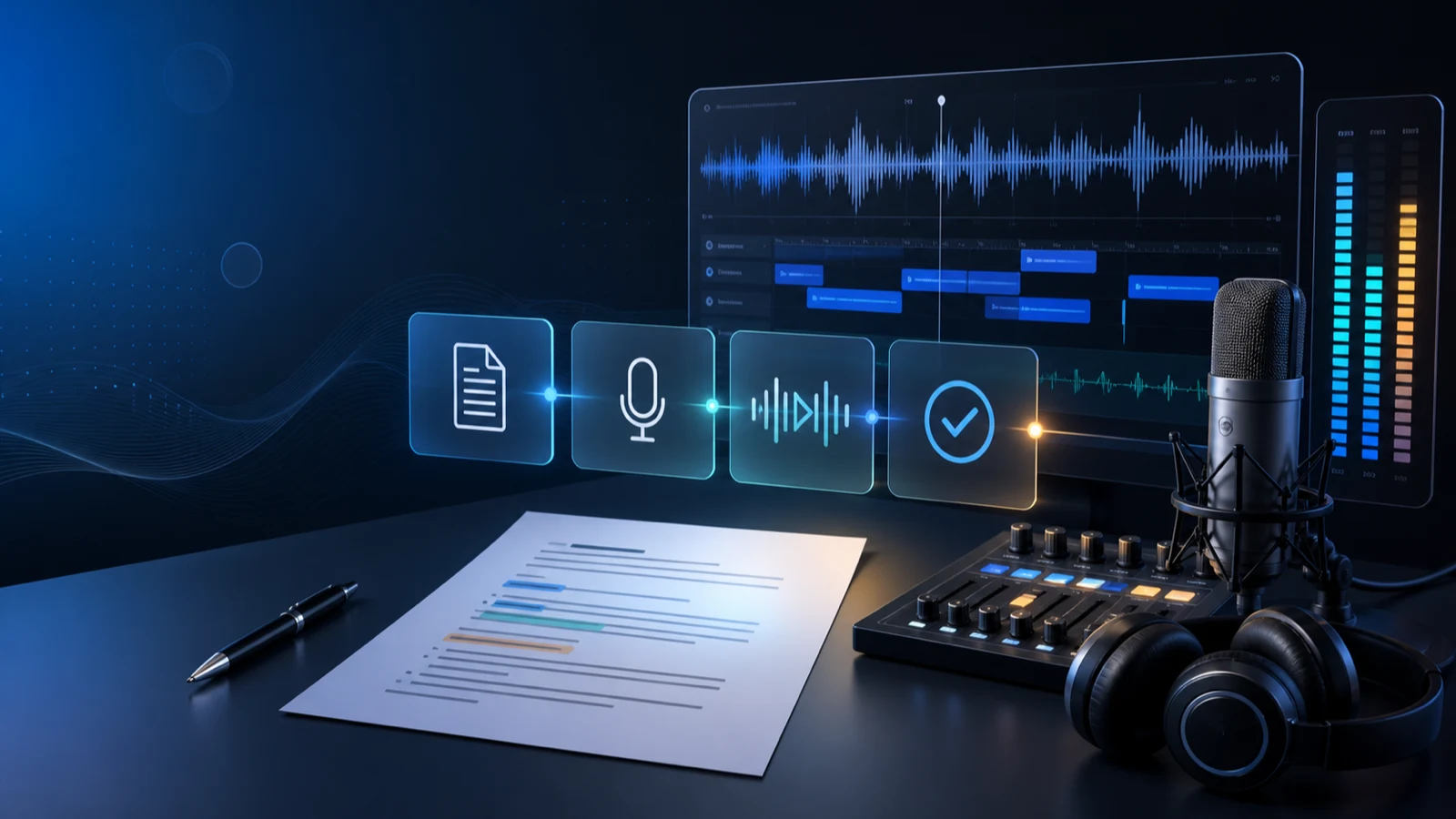
The safest place to discover that a narrator mishandles your product name is not at minute twelve of a finished recording. It is in a deliberately awkward, fifteen-second audition.
That idea changes the order of production. Instead of generating an entire script and reviewing from the beginning, find the passage most likely to fail, prove that passage first, and use the approved result as the reference for everything that follows. This AI voice generator workflow is organized around evidence: a short audition, an in-context review, and a delivery package another editor can understand.
Key takeaways
- Test the riskiest line before rendering the easiest lines.
- Judge voice, words, timing, and edit fit in separate listening passes.
- Keep a tiny approval record with the script version, voice, and accepted audio.
- Deliver audio with context so the next editor does not have to reconstruct your decisions.
Begin with an acceptance card, not a full script
Write a one-screen acceptance card for the piece. It is not a creative brief. It is a definition of “done” that a reviewer can answer yes or no.
For a two-minute account-setup video, the card might say:
| Question | Decision |
|---|---|
| Who is listening? | A first-time administrator who is following the screen |
| What must they understand? | Where to invite the first teammate |
| What must sound exact? | The product name and the “Workspace settings” label |
| What must the audio fit? | A locked screen capture with two cursor pauses |
| Who approves? | Product marketing for tone; support for accuracy |
This card prevents the most expensive kind of feedback: a late opinion that quietly changes the job. “Can it sound more exciting?” is useful only if excitement belongs in the acceptance criteria. If the listener is concentrating on a settings form, clarity may matter more.
Choose a risk passage that represents the whole job
Do not audition the opening because it happens to come first. Choose a compact passage containing two or three risks:
- an acronym, unfamiliar name, or interface label;
- a transition from explanation to instruction;
- a sentence that must land inside a fixed visual beat;
- punctuation that could produce an unintended pause;
- the emotional temperature of the larger piece.
For the setup video, the risk passage could be: “Open Workspace settings. Choose SSO, then invite your first teammate.” It tests a product label, an acronym, a change in sentence purpose, and a timing boundary.
Open the Voice Art voice library, shortlist voices on that exact passage, and carry the best candidate into the AI voice generator. A generic demo sentence tells you whether a voice is pleasant. Your risk passage tells you whether it can do your job.
Review the audition four times, each time for one question
Trying to hear everything at once makes reviewers vague. Use four short passes instead.
Pass 1: Is every word correct?
Ignore personality. Check omissions, repeated words, numbers, names, and UI labels against the approved script. If the spoken line changes the instruction, reject it even if it sounds excellent.
Pass 2: Can the listener follow it once?
Put the script away. Listen at normal speed and ask what action you would take next. A line can be technically accurate and still make the important noun disappear inside a crowded clause.
Pass 3: Does it belong beside the picture?
Place the audio under the actual screen recording or rough cut. Look for verbal instructions that arrive before the control appears, pauses that strand a cursor, and closing words that collide with a scene change. A waveform in isolation cannot answer those questions.
Pass 4: Is the sound repeatable?
Imagine returning next month to replace one sentence. Could an editor identify the voice and the delivery standard from what you saved? Voice Art keeps generated work in Generation History, which gives the team a concrete earlier take to compare rather than a memory such as “the calm one.”
Record pass/fail notes in one line each. “Too slow” is hard to act on. “The word ‘settings’ starts after the panel is already open” points to the exact repair.
Freeze a reference take before scaling up
When the risk passage passes all four reviews, mark it as the reference take. The reference is not necessarily the first usable render. It is the take the approvers have heard in context and agreed to use as the standard.
Save three things together:
- the exact audition text;
- the selected voice or private model;
- the approved audio or generation record.
Now render the rest in sections small enough to replace without disturbing the full piece. Section boundaries should follow meaning: one task, scene, or argument per block. This makes a revised button label a local edit instead of a complete regeneration.
Voice Art supports a connected path from public voice auditioning to rendered, downloadable speech. If the work uses a private clone, create it only from audio you have the right to use and keep that model in My Voice Models. The tool can preserve the model; the team still owns the approval decision.
Use filenames as a miniature change log
An exported file named final-final-2.mp3 carries no production knowledge. Use names that answer what the file is and where it belongs:
setup-03-invite-teammate-script-v4-approved.mp3
That pattern identifies the project, sequence, subject, script revision, and status. Keep “approved” for files that actually passed review. Drafts can remain in generation history or use a clear review suffix.
Also retain the script as text. Audio alone cannot show whether a later correction came from the narrator, the script, or the edit. A paired script and take make future updates much faster.
Package the handoff for someone who missed every meeting
Before delivery, pretend the receiving editor has no access to your chat thread. Send:
- the approved audio sections;
- the matching script version;
- the reference take;
- a pronunciation note for terms that are easy to misread;
- intended placement or timecode for each section;
- the name of the person who approved factual accuracy.
This package is small, but it closes the gap between “audio was generated” and “audio can be assembled without guessing.” It also gives the next revision a starting point.
A stop/go gate before publication
Run this final gate inside the real deliverable:
- Go: the spoken instructions match the visible interface.
- Go: names, numbers, and claims match the approved script.
- Go: the reference take and replacement sections sound like one speaker.
- Go: every delivered file maps to a scene or timecode.
- Stop: a reviewer is approving tone without seeing the picture.
- Stop: the team cannot identify which script produced the audio.
- Stop: a cloned voice lacks a recorded right-to-use decision.
The gate is intentionally short. If it takes a meeting to interpret, it is not a gate.
FAQ
How long should the audition be?
Long enough to contain the main risks and short enough to compare repeatedly. One or two sentences is usually more useful than a polished opening paragraph.
Should I compare voices on different sample text?
No. Use the same risk passage for every candidate. Changing both the text and voice makes it impossible to know what caused the difference.
When should I render the complete script?
After the risk passage has passed word accuracy, listener clarity, edit fit, and repeatability. For long work, continue in replaceable sections rather than one monolithic file.
What belongs in an approval record?
At minimum: script version, voice or model, accepted generation or file, approver, and date. Keep it close to the project rather than in a private chat.
Does Voice Art replace audio editing?
No. Voice Art generates and stores speech; the final mix, music, loudness, and picture sync still belong in the production workflow.
Put one difficult line through the workflow
Choose the sentence you are least confident about, not the one you most want to hear. Build its acceptance card, audition it in Voice Art, and review it against the actual edit. Once that line is approved, the rest of the script has a standard to follow.